Smart Lighting Without the Hub: A Beginner's Guide to Matter and Thread
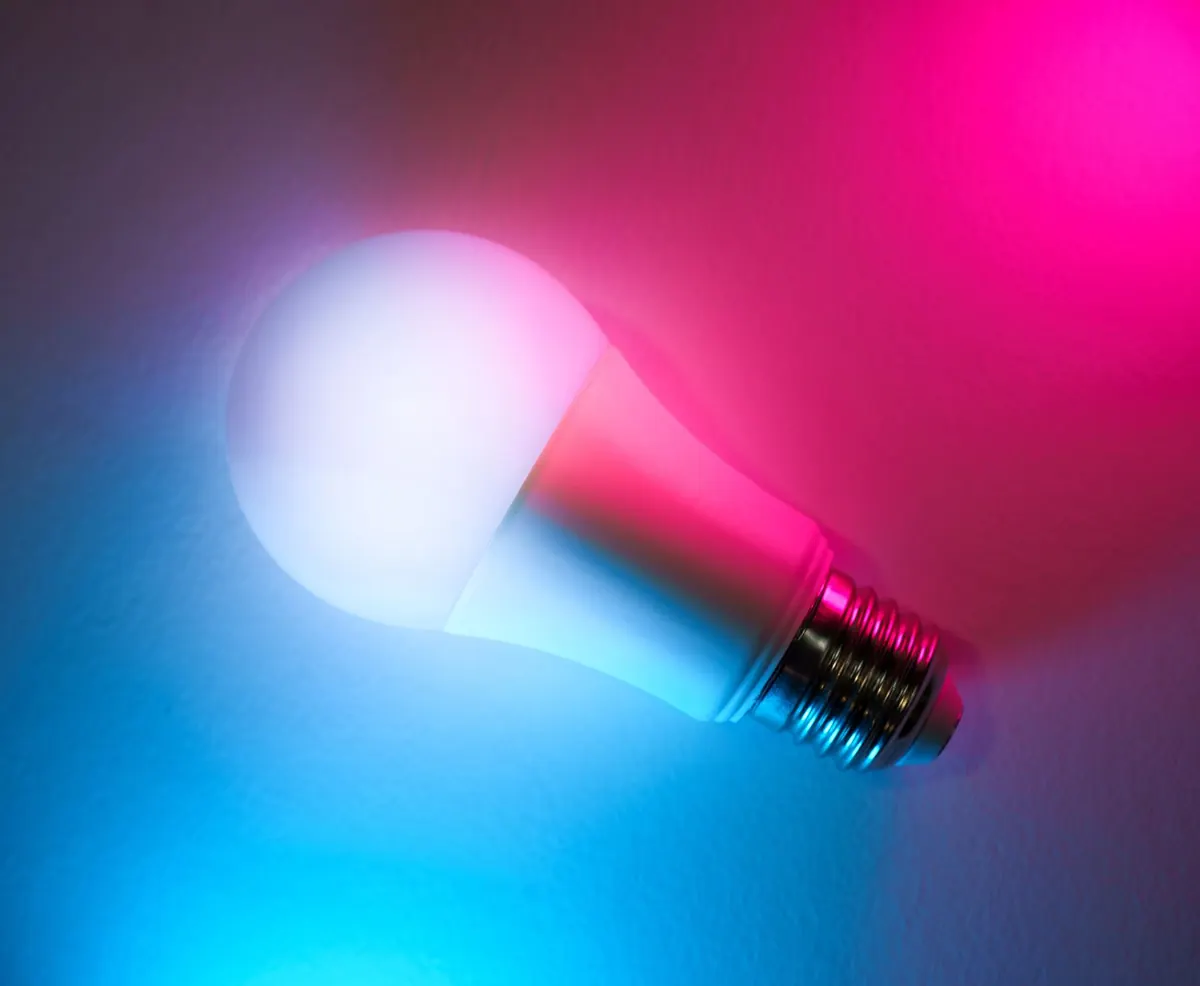
You screw in a bulb, open an app, scan a small square code, and the light comes on. No proprietary bridge, no second router, no box from the bulb brand with its own app and its own account. That is the promise of Matter and Thread, and for most people buying bulbs now it largely holds up. The small print is real, though, and knowing where it sits will save you an evening of troubleshooting.
Here is how the two standards fit together, and how to choose bulbs that work the first time.
What Matter actually solves
Matter is not a radio or a chip. It is a shared language: a set of rules agreed by the big smart home platforms so that a certified device can be set up and controlled by any of them. A Matter bulb works with Apple Home, Google Home, Amazon Alexa and Samsung SmartThings without the manufacturer writing four separate integrations.
Two practical benefits follow from that. First, you choose your app independently of your bulb brand — you can buy lighting from one company and control it in the app you already use. Second, a Matter device can be shared across more than one platform at once, a feature called multi-admin. Add a lamp to Apple Home and to Google Home and both can control it, which is useful in households where one person lives in Siri and another in Google.
Matter sits on top of a network. It can run over Wi-Fi, over an Ethernet connection, or over Thread. That last option is where most of the confusion starts.
Thread, explained without the jargon
Thread is a low-power mesh networking protocol. It runs in the same 2.4GHz band as Wi-Fi and Bluetooth, but it is not Wi-Fi. Instead of every bulb holding its own connection to your router, Thread devices pass messages between each other, hopping across the network until they reach a device that bridges them to the internet.
The practical consequences are worth knowing:
- Mains-powered devices repeat for others. A hard-wired bulb strengthens the mesh for the bulbs further away, so reliability tends to improve as you add lights rather than degrade.
- Battery devices stay asleep. Sensors and buttons sip power and only wake to send a message, which is why Thread suits them so well.
- Your Wi-Fi gets a breather. Twenty bulbs on Wi-Fi is twenty clients competing for router attention. Twenty Thread bulbs is one network.
- The mesh repairs itself. If one device drops off, traffic reroutes. Usually you notice nothing.
Border routers: the one box you still need
Thread devices speak to each other, but something has to translate between the Thread mesh and your home network. That job belongs to a Thread border router, and here is the good news: you may already own one. Many recent smart speakers, smart displays and mesh Wi-Fi systems include Thread border routing built in. If you have one of those, you are most of the way to a working setup before you buy anything.
If you do not, you can add one — often by buying a speaker or mesh node rather than a device labelled "hub". Look for Thread border router in the specifications, not just "Thread support", which usually means something narrower.
The "no hub" promise, honestly
The reason people talk about hubs disappearing is that older systems needed a bridge per brand. Your Zigbee lamps wanted one box, your sensors wanted another. Matter and Thread collapse that: one border router serves every Thread device, whatever brand made it.
So you still need something. You need a Thread border router if you choose Thread bulbs, or a solid Wi-Fi network if you choose Matter over Wi-Fi. You also need a controller app and, for remote access and automations on some platforms, a home hub such as a smart speaker or TV box. What you no longer need is a different box for every manufacturer, and that is the change worth caring about.
Choosing bulbs that will actually work
Labels are where beginners get caught out, so read them closely in the shop or on the product page.
- Look for the Matter logo and the transport. "Matter over Thread" and "Matter over Wi-Fi" are the phrases you want. "Works with Matter" or "Matter compatible via hub" can mean the device needs a proprietary bridge, which defeats the point.
- Count your bulbs. One to three bulbs can sit happily on Matter over Wi-Fi with no extra hardware. For a whole house, Thread is the calmer choice — Wi-Fi congestion is the most common cause of slow, laggy lighting.
- Match the fitting and the depth. GU10, E27, B22, E14 — and in recessed ceilings, check the bulb's depth, not just its cap. A bulb that will not fit is not a bargain.
- Check the dimming range. A bulb that only dims to 10 per cent is not a night-light. Look for a low minimum level and the colour temperatures you actually want, from warm white to cool daylight.
- Keep your existing wall dimmer out of the equation. Smart bulbs want a plain switch left on, with dimming handled in the app. A traditional dimmer in front of them causes flicker and shortened life.
- Prefer a brand with a stated firmware update path. Updates arrive through your controller app, and they matter more on lighting than on almost anything else.
Setting up in ten minutes
- Confirm your border router is powered and on the same network as your phone. If it came with a speaker, check Thread is switched on in its settings.
- Screw in the bulb and switch the power on. Give it a moment to start up.
- Open your controller app, choose Add device, and scan the Matter QR code on the bulb or its box.
- Name it and assign it to a room. Names matter more than you think once you are using voice control.
- Test it, then share it with a second platform using the same code if you want multi-admin.
- Photograph the QR code and keep the manual pairing number. You will need both if you ever change phones or reset your home.
When something does not behave
Most first-week problems have dull causes. A bulb that refuses to pair is usually too far from the border router or from any other Thread device — move it closer for setup, or add a mains-powered bulb between the two. A bulb that responds slowly is often a crowded Wi-Fi band or a Thread mesh with too few routers in it.
If a device shows as offline after you reboot your router, give it a few minutes before you start resetting things; Thread networks reassemble themselves and panic-resetting makes it worse. And if you are mixing Apple, Google and Amazon border routers, expect to check each app's settings — sharing Thread credentials between ecosystems has improved, but it is still the fiddliest part of the whole process.
A sensible way to start
Buy two or three bulbs from a brand with a straightforward returns policy, put them in one room, and live with them for a week. That tells you more about dimming quality, response speed and app design than any specification sheet. If the mesh needs strengthening later, add a mains-powered Thread device — another bulb, a plug, a sensor — rather than a new hub.
Then decide whether you want to go further. Smart lighting earns its place in hallways, living rooms and anywhere you want scenes or schedules. In a cupboard or a spare bedroom, an ordinary bulb and a light switch remain hard to beat. Start small, keep the pairing codes, and let the network grow with the rooms you actually use.
Photo: Jakub Zerdzicki / Pexels